… Discover How Much It Costs to Close Your Home Purchase
Buying a home is one of those life-changing moments that’s equal parts thrilling and nerve-wracking. Between scrolling listings, making offers, and imagining your first morning coffee in the new kitchen, it’s easy to overlook one key detail — closing costs. These aren’t the fun, HGTV-type parts of buying a home, but they’re essential.
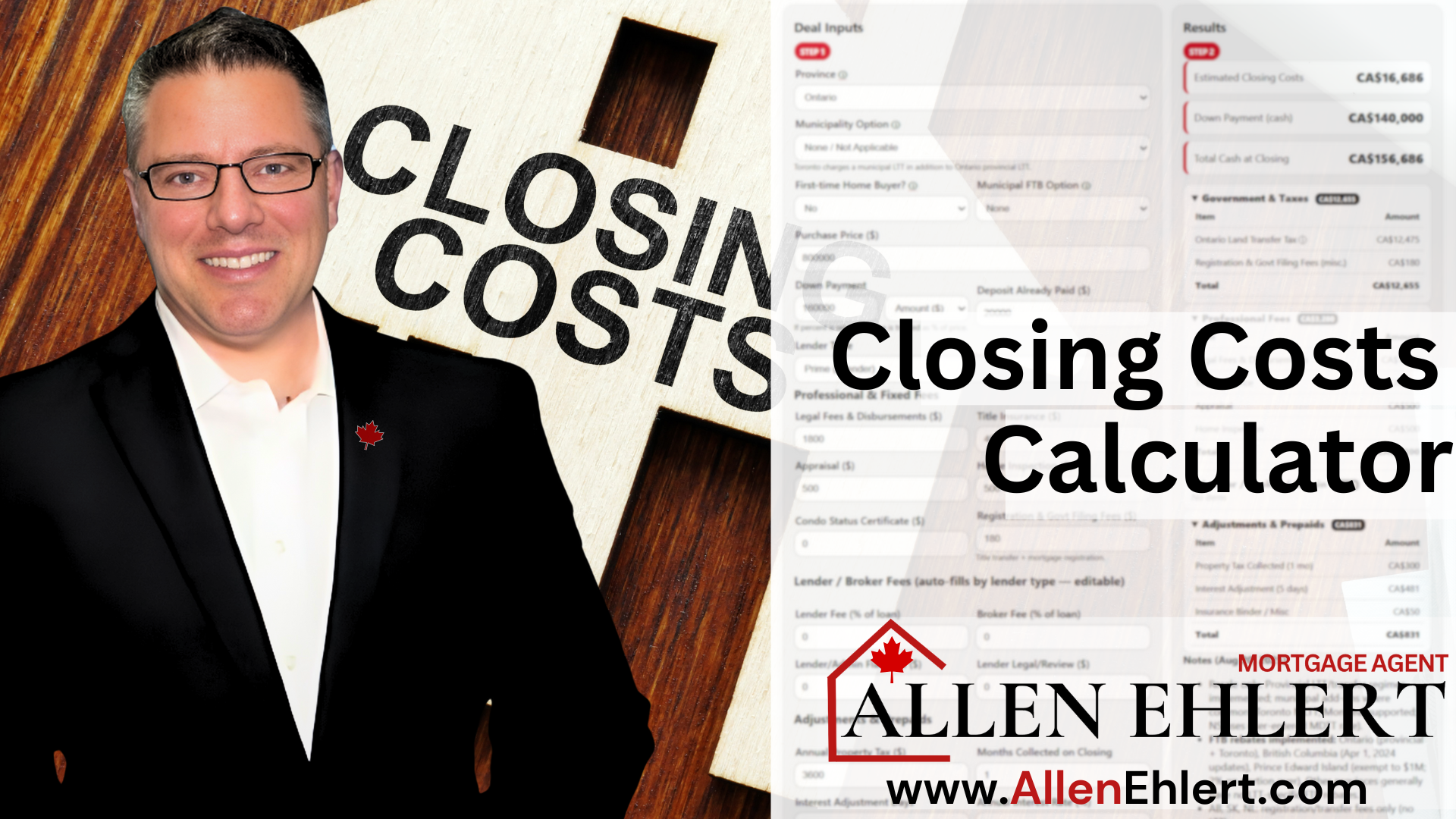
That’s why I built a Closing Costs Calculator on my website — a simple, transparent, and practical tool to help you see what it’ll really cost to close your purchase. Whether you’re a first-time buyer or a realtor guiding clients, this calculator gives you clarity before you ever reach the lawyer’s office.
Topics I’ll Cover
Why Closing Costs Matter More Than You Think
Understanding the Calculator’s Inputs (and Why Each One Matters)
Step-by-Step: How to Use the Closing Costs Calculator
Real-Life Story: “The Case of the Surprised Homebuyer”
How Realtors Can Use the Calculator to Build Trust
How Buyers Can Use It to Plan Smarter
What Are Closing Costs
Before we go any further, let’s break down what closing costs actually are.
Closing costs are the fees, taxes, and professional services you pay to officially transfer ownership of a property from seller to buyer. They’re the “behind-the-scenes” costs that make the deal legal, binding, and secure.
These typically include:
- Legal fees for your real estate lawyer
- Title insurance to protect against property ownership issues
- Land transfer tax (provincial, and municipal if you’re buying in Toronto)
- Appraisal fees
- Title registration and disbursements
- Adjustments for prepaid utilities or property taxes
- Home inspection or status certificate fees (especially for condos)
In Ontario, closing costs usually total between 1.5% and 4% of the purchase price — though it varies depending on your situation.
So when people ask, “How much cash should I really have on hand for closing?” — this is exactly what they’re talking about.
Why Closing Costs Matter More Than You Think
Here’s the thing — the down payment often gets all the attention, but the closing costs are the quiet partner in every real estate transaction. They include the legal fees, title insurance, land transfer taxes, appraisal costs, and various disbursements that make ownership official.
If you don’t budget for them, they can catch you completely off guard. Think of them as the “real world” side of the dream. You’re not just buying a home — you’re buying the process that makes it legally yours.
That’s why my calculator is designed to bring those details into focus early. It’s not meant to scare you; it’s meant to prepare you.

Understanding the Calculator’s Inputs (and Why Each One Matters)
To get an accurate estimate, the calculator asks for a few simple details. Each one has a purpose, and here’s why they matter:
- Purchase Price: This is the cornerstone of the calculation. Most fees — especially land transfer taxes and title insurance — are based on your purchase price. Entering it accurately ensures the estimate is realistic.
- Location (Province and Municipality): Closing costs vary across Canada, but even within Ontario, they can change by city. For example, Toronto has an additional municipal land transfer tax, while Whitby or Oshawa do not. The calculator automatically adjusts for your area.
- First-Time Buyer Status: Ontario gives first-time buyers a refund (or partial rebate) on land transfer tax. If you’re eligible, you could save up to $4,000 — a nice perk you definitely want factored in.
- Down Payment Amount: This impacts your mortgage insurance requirements (if you’re putting less than 20% down) and can influence some closing costs.
- Property Type: Detached, semi, condo, or townhouse — different types can have different costs. For example, condos might include a status certificate fee, while detached homes might require a title survey.
- Mortgage Amount: Knowing this helps estimate registration and discharge fees associated with your financing.
- Title Insurance & Legal Fees: While the calculator provides typical ranges, understanding these inputs lets you budget confidently for what lawyers, title insurers, and lenders charge to make it all official.
Each of these details tells a small part of your financial story. Together, they build a complete picture — one that’s accurate enough to plan around, but flexible enough to adjust as your situation evolves.
Step-by-Step: How to Use the Closing Costs Calculator
Using the calculator is as easy as grabbing a cup of coffee and following these quick steps:
- Head over to the calculator on my website: Closing Costs Calculator.
- Enter your purchase price. Be as precise as possible — if you’re still shopping, use your estimated budget.
- Select your location. Choose your city or region so the calculator can apply the correct land transfer taxes and fees.
- Indicate if you’re a first-time buyer. This ensures any eligible rebates are reflected in your estimate.
- Input your down payment amount. This helps fine-tune your insurance and closing cost projections.
- Select your property type. Detached, condo, semi, or townhouse — each has unique cost factors.
- Review your results. In just seconds, you’ll see a detailed breakdown showing what to expect when you close your deal.
And here’s a pro tip: try entering a few different scenarios. Change the city, increase the purchase price slightly, or toggle the first-time buyer option. You’ll instantly see how small adjustments can shift your closing costs. That’s the kind of insight that helps you plan smarter.
Real-Life Story: “The Case of the Surprised Homebuyer”
A while back, I helped a young couple — let’s call them Sam and Nicole — who’d been saving for years to buy their first home in Whitby. They found their dream property and were ecstatic when their offer was accepted.
But a few weeks later, their lawyer called with final numbers. The closing costs came in at nearly $9,000 more than they expected. They hadn’t accounted for all the legal disbursements, title insurance, and prepaid property taxes.
They weren’t in trouble, but it was stressful. Had they used the calculator from the start, they’d have known exactly what to expect. It’s not about avoiding costs — it’s about avoiding surprises.
How Realtors Can Use the Calculator to Build Trust
Realtors can turn this calculator into one of their most valuable client tools. Imagine sitting with a buyer and saying, “Let’s plug in your numbers and see what your closing costs might look like.”
That’s instant credibility. You’re not just helping them find a house — you’re helping them understand the real costs of buying it. Realtors who use the calculator in their consultations often find that clients feel more confident and less anxious — and that confidence turns into loyalty.
How Buyers Can Use It to Plan Smarter
If you’re a buyer, this calculator is your personal budget reality check. Use it before you start house-hunting to set a realistic savings goal. Knowing your true closing costs lets you avoid scrambling later.
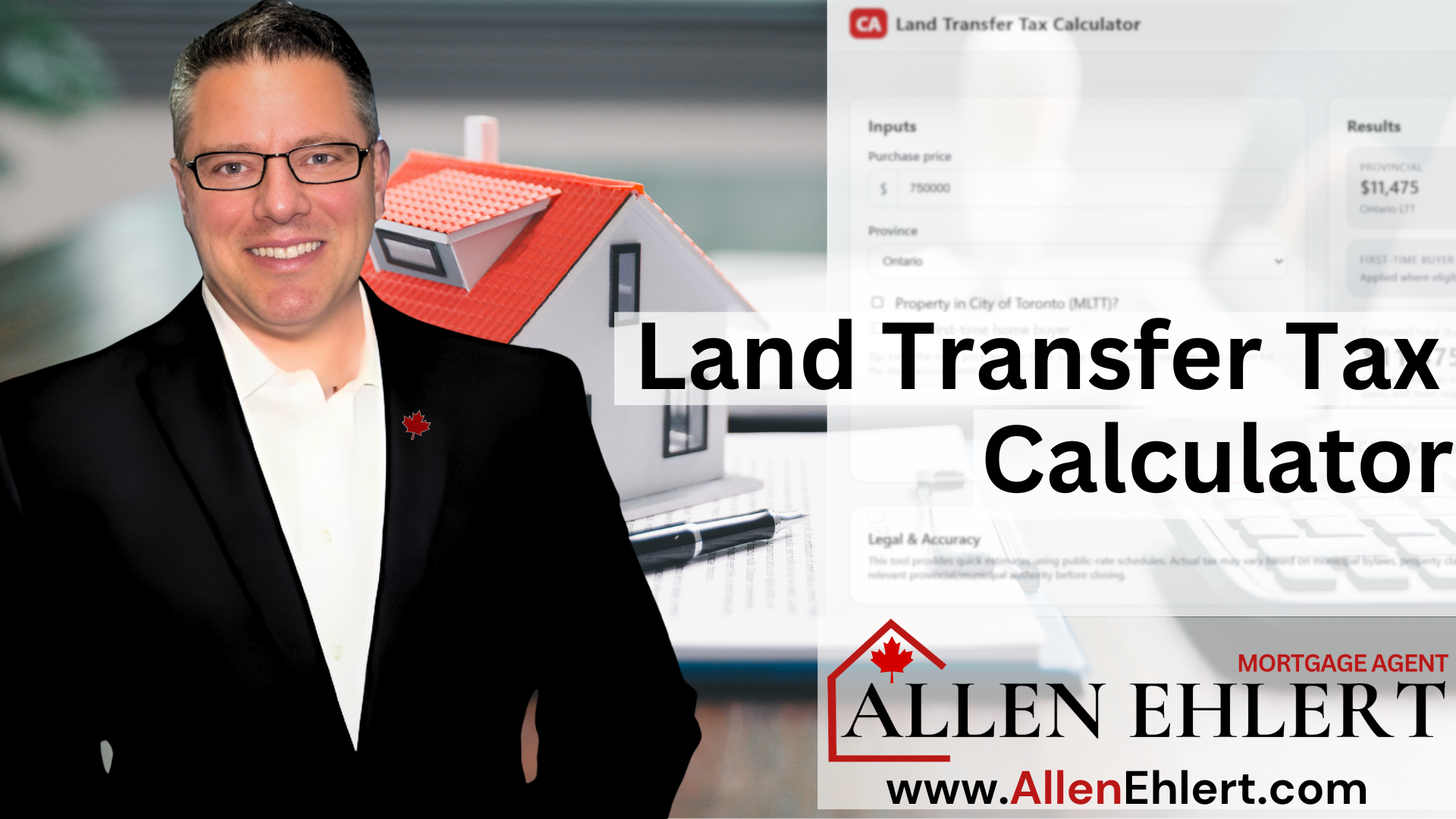
Say you’re looking at a $750,000 home in Oshawa. The calculator shows your total closing costs could be around $11,500. That insight helps you adjust your savings plan, down payment strategy, or even your offer price.
This kind of preparation turns buyers into confident decision-makers — and confident buyers make better choices.
Allen’s Final Thoughts
Buying a home doesn’t have to be a guessing game. The more informed you are, the smoother the process becomes. My Closing Costs Calculator was built to empower you — to remove confusion and replace it with clarity.
As a mortgage agent, I’m here to do more than just find you a great rate. I help you understand the whole picture — from budgeting your closing costs to coordinating with lenders, lawyers, and appraisers. My goal is to make sure you walk into your closing day not with anxiety, but with confidence.
So go ahead — try the calculator. See your numbers. And when you’re ready to take that next step, I’ll be here to help make your mortgage strategy as smart and stress-free as possible.